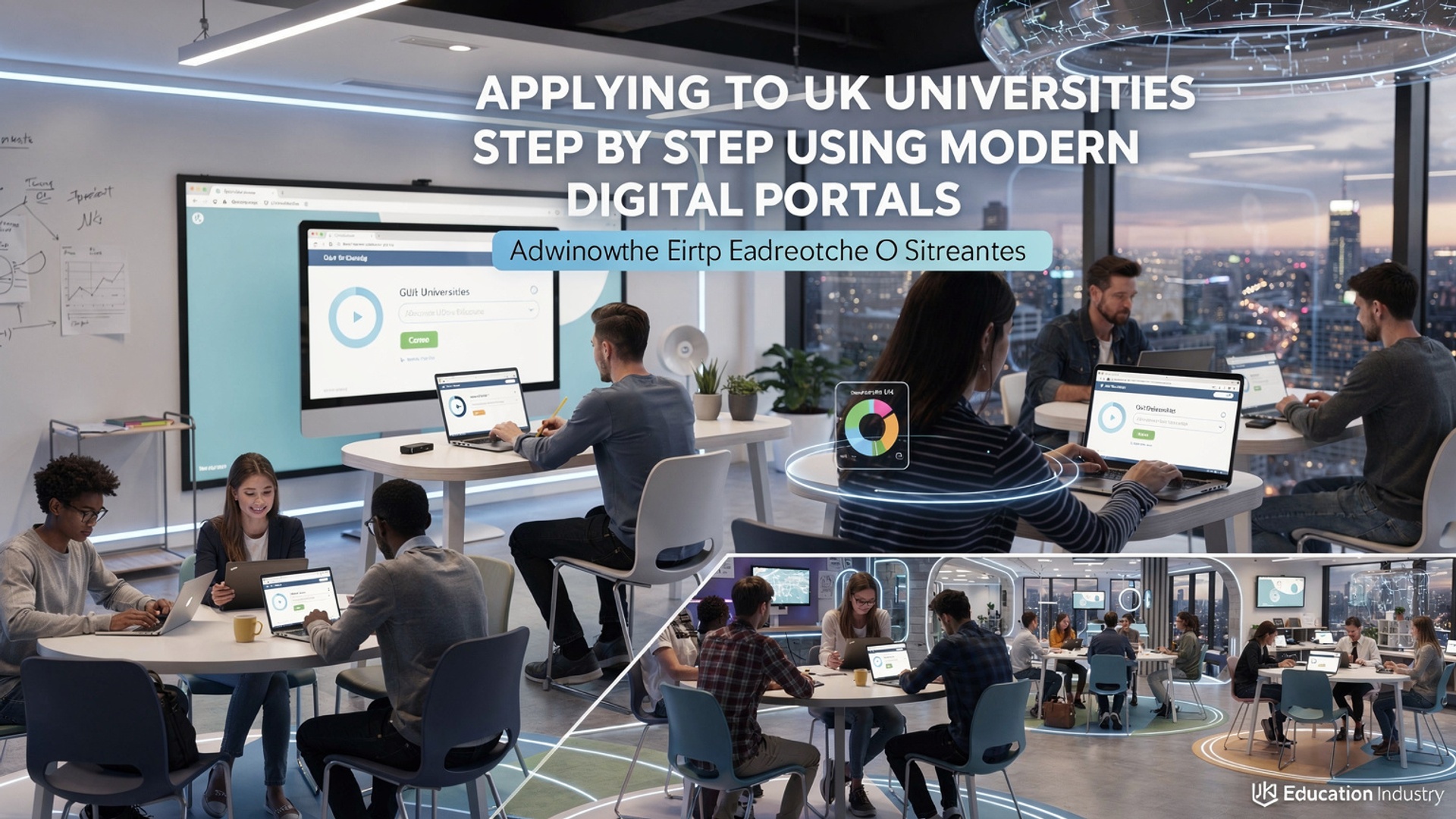
Applying to UK universities now happens almost entirely online, where speed, accuracy. data awareness shape outcomes as much as grades. To Apply UK university programs effectively in 2026, applicants navigate platforms like the UCAS Hub, which integrates course search, digital personal statements, referee uploads. real-time offer tracking, alongside university portals that support portfolio submissions and interview scheduling. Recent updates, including streamlined Clearing tools, contextual offer indicators. mobile-first dashboards, reward applicants who grasp how data flows between systems. With universities increasingly using automated shortlisting and deadline-driven status updates, mastering digital submission timelines, document formats. verification steps has become essential. A step-by-step approach turns complex portals into strategic tools, helping applicants move confidently from initial selection to confirmed acceptance without missed opportunities or avoidable delays.
Understanding the UK University Application Landscape
Applying to universities in the United Kingdom is different from many other countries because most undergraduate applications are centralized. When students Apply UK university programs, they usually do so through a single digital system rather than applying separately to each institution.
- UCAS (Universities and Colleges Admissions Service)
- Direct University Portals
- Digital Supporting Platforms
The main digital portal for undergraduate applications in the UK.
Often used for postgraduate, foundation, or short-term courses.
Tools for document uploads, language tests. student finance.
According to UCAS (ucas. com), over 700,000 students apply each year, making it one of the most streamlined national systems globally. For younger students, this centralization reduces confusion and keeps everything in one place.
Key Digital Portals You Need to Know
Modern applications rely heavily on online platforms. Understanding what each portal does helps students and parents feel confident during the process.
- UCAS Hub
- University Applicant Portals
- Student Finance England (SFE)
- English Test Platforms
Course search, application tracking. offer management.
Used after applying to upload additional documents or track progress.
Handles tuition loans and maintenance loans.
IELTS, TOEFL, or Duolingo English Test portals.
For example, a 17-year-old student applying for Computer Science might search courses on UCAS Hub, submit one application. later log into individual university portals to upload transcripts.
Step 1: Researching Courses and Universities Online
Before students Apply UK university programs, research is essential. Digital tools make this step easier and more interactive than ever.
- Use UCAS course search to compare subjects and entry requirements.
- Watch virtual campus tours on university websites and YouTube.
- Attend online open days and live Q&A sessions.
A real-world example: One student I worked with shortlisted five universities after attending virtual open days hosted by the University of Manchester and King’s College London, which helped them interpret teaching styles without traveling.
Step 2: Creating and Managing a UCAS Account
UCAS is the heart of the undergraduate application process. Setting up an account is straightforward but requires attention to detail.
- Create a UCAS Hub account using an email address checked daily.
- Fill in personal details, education history. qualifications.
- Select up to five course choices.
All data is saved digitally, allowing students to return and edit. UCAS recommends starting early, especially for younger applicants balancing schoolwork.
Step 3: Writing and Uploading the Personal Statement
The personal statement is a key document when students Apply UK university courses. It explains why a student is interested in a subject and what makes them suitable.
- Written once and sent to all five chosen universities.
- Maximum of 4,000 characters or 47 lines.
- Focus on motivation, skills. experiences.
Teachers and counselors often review drafts digitally using Google Docs or Microsoft Word comments. UCAS and experts from The Sutton Trust advise keeping the tone genuine and reflective, not exaggerated.
Step 4: Submitting Academic Records and References
Digital portals simplify document handling, reducing paperwork.
- Schools upload predicted grades directly to UCAS.
- Teachers submit references online.
- International students may upload scanned transcripts.
For postgraduate applicants, universities may request documents through their own portals, often in PDF format.
Comparing Undergraduate and Postgraduate Application Portals
| Feature | Undergraduate (UCAS) | Postgraduate (University Portals) |
|---|---|---|
| Number of Applications | Up to 5 courses | Unlimited (varies) |
| Personal Statement | One for all choices | Tailored for each course |
| Reference Submission | Through UCAS | Direct upload |
This comparison helps young adults interpret why strategies differ depending on the level of study.
Step 5: Paying Application Fees Securely Online
All major portals use encrypted payment systems.
- UCAS fees are paid by debit or credit card.
- Postgraduate portals may accept international payment methods.
As of UCAS guidelines, applying to one course costs less than applying to multiple courses, so students should budget carefully.
Step 6: Tracking Applications and Responding to Offers
Once students Apply UK university options, tracking progress is fully digital.
- UCAS Track shows offers, rejections. interview invites.
- Universities send emails and portal notifications.
- Students can accept, decline, or wait digitally.
A common case: A student receives a conditional offer requiring specific exam grades. These conditions are clearly displayed online, reducing misunderstandings.
Step 7: Uploading Additional Documents and Interviews
Some courses require extra steps.
- Portfolios for art and design uploaded digitally.
- Video interviews conducted via platforms like Zoom or Kira Talent.
- Admissions tests booked online.
Universities such as Oxford and Cambridge outline these steps clearly on their official websites, ensuring transparency.
Step 8: Applying for Student Finance Through Digital Systems
After accepting an offer, students apply for funding online.
- Create a Student Finance England account.
- Submit household income details digitally.
- Track loan status online.
According to the UK Government’s official guidance (gov. uk), applying early ensures funds are ready before term starts.
Common Mistakes to Avoid When Using Digital Portals
Even with modern tools, errors can happen.
- Using an email address not checked regularly.
- Uploading incorrect or unclear documents.
- Missing deadlines shown on digital dashboards.
One student missed an interview invite because it went to spam. Adding university emails to a safe sender list is a simple but effective fix.
How Parents and Guardians Can Support Younger Applicants
For teens and children exploring future options, adult guidance matters.
- Help organize deadlines using digital calendars.
- Review portal instructions together.
- Encourage safe password practices.
UCAS and education charities like IntoUniversity emphasize supportive involvement rather than taking control, helping students build independence while staying secure.
Conclusion
Applying to UK universities today is less about paperwork and more about how smartly you use digital portals like UCAS, university dashboards. applicant tracking tools. When I helped a cousin apply last year, the biggest difference came from setting weekly portal check-ins and treating deadlines like calendar events, not vague reminders. With features such as real-time offer updates and integrated document uploads becoming standard in 2024–25, small habits now prevent big mistakes later. As you move from course research to submitting choices, connect each step to your long-term goals rather than rushing through forms. I always recommend drafting personal statements offline first, then refining them inside the portal to avoid last-minute system pressure, a lesson reinforced by recent UCAS peak-day slowdowns. For deeper clarity on avoiding common errors, revisiting resources like this step-by-step UK application guide can sharpen your approach. Stay organised, trust the process. remember that every completed step brings you closer to studying where you truly belong.
More Articles
Step-by-Step UCAS Application Tips to Avoid Common Mistakes First-Time Applicants Make
Smart UCAS Application Tips to Strengthen Personal Statements Without Stress Pressure
Choosing a UK Course That Matches Career Goals Not Just Entry Grades
How UK University Rankings Guide Smart Choices for International Students Today
How to Prepare for High-Stakes Online Exams Without Last-Minute Stress Strategies

FAQs
What is the main digital portal used to apply to UK universities?
Most undergraduate applicants use a centralized online system where you create an account, select courses, upload personal details. submit your application to multiple universities at once. Postgraduate applications are often handled directly through each university’s own online portal.
How do I start my application step by step?
You usually begin by creating an online profile, then entering personal details, academic history. course choices. After that, you upload supporting documents, write a personal statement, request references digitally. finally review and submit everything online.
Can I track my application status online?
Yes, modern portals allow you to log in and see real-time updates. You can check whether documents are received, view offers or decisions. sometimes respond to offers directly within the system.
What documents do I need to upload through digital portals?
Common uploads include academic transcripts, personal statements, references, proof of English language ability. sometimes a passport copy. The exact requirements depend on the course and university.
Is it possible to apply to multiple UK universities at the same time?
Yes, digital application systems are designed for this. You can choose several courses or universities in one application, which saves time and keeps everything organized in one place.
How do references work in online applications?
You enter your referee’s contact details in the portal. the system automatically sends them a request. Referees upload their reference directly, so you don’t need to handle or submit it yourself.
What should I double-check before submitting my application online?
Before submitting, review all personal details, course choices. uploaded documents carefully. Make sure your personal statement is final, references are requested. there are no spelling or date errors, since changes are often limited after submission.